
Our Products
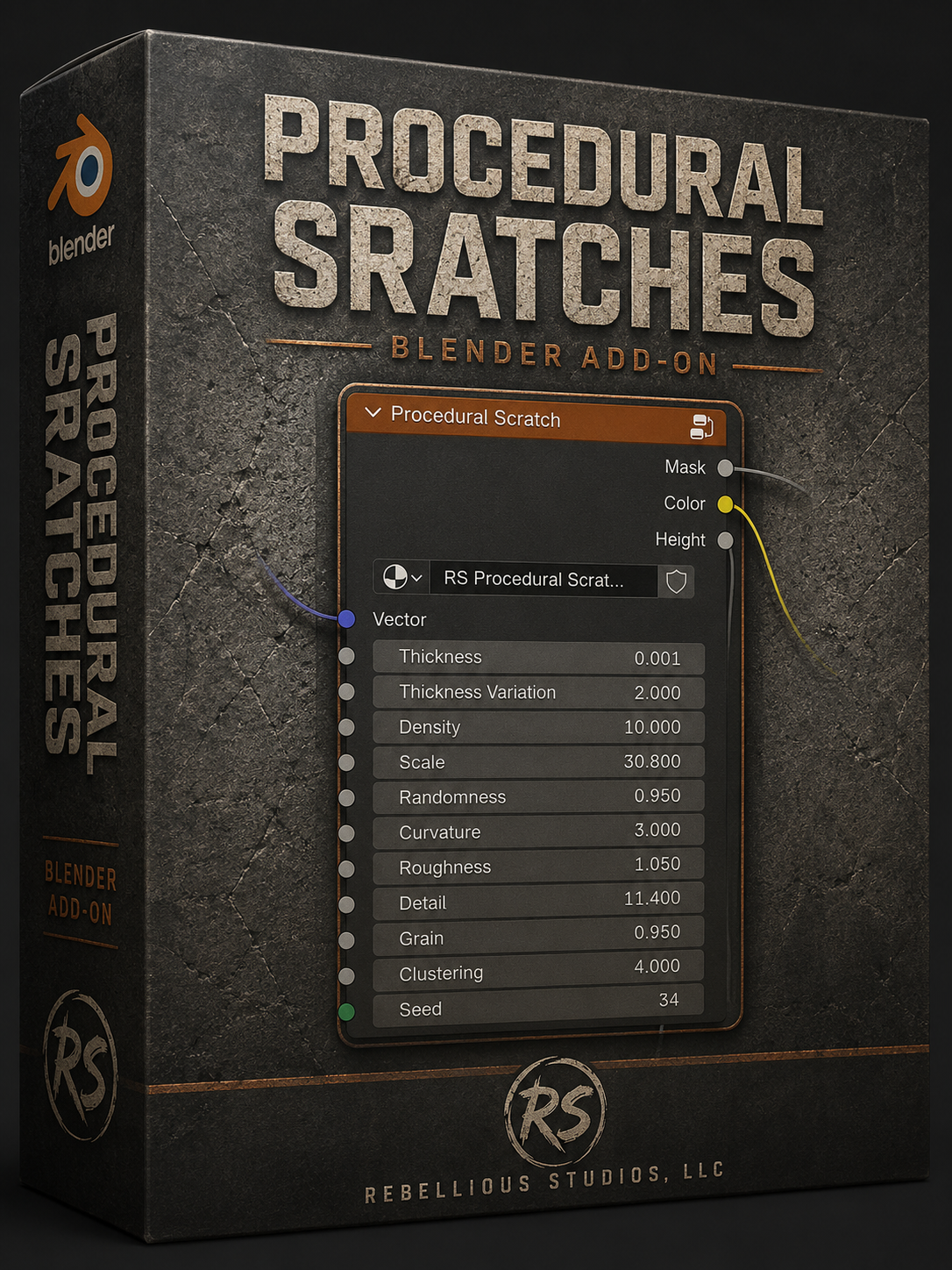
Procedural Scratch is a professional Blender add‑on that generates fully procedural, physically‑motivated surface damage without image textures. It produces realistic scratches, gouges, abrasion, and clustered wear using a deterministic shader‑node engine compatible with both Eevee and Cycles.
Unlike noise‑based scratch presets, Procedural Scratch evaluates finite, cell‑owned scratch candidates with independent direction, length, curvature, thickness, grain, roughness, detail, and clustering. The result is a high‑fidelity abrasion field that responds to lighting like real material damage — intersecting scratches, bent stress marks, uneven borders, micro‑chipping, gouges, and localized impact zones.
The add‑on ships with a managed node group, migration system, versioned identities, and four curated presets. It is designed for artists who need believable wear on hard‑surface models, props, environments, and game assets without relying on external textures or UV‑specific workflows.
Procedural Scratch is built for Blender 4.5+ and verified in Blender 5.1. It is a commercial GPL‑licensed product sold by Rebellious Studios LLC.
- Fully procedural scratch generation
—no image textures required -
Realistic intersecting scratches with randomized direction and length -
Adjustable curvature, thickness, density, scale, and per-scratch width variation
- Broad wear zones or tightly concentrated scratch clusters - Grain-driven breakup, rough borders, micro-chipping, and abrasion detail
- Height output with subtle micro-ridge detail for custom bump workflows - Deterministic Seed control for repeatable material results
- Resolution-independent native Blender shader nodes
- Works in Eevee and Cycles - Designed for Blender 4.5 LTS and newer verified releases
Instillation:
Download the ZIP file from your purchase page.
Drag the ZIP directly into Blender’s window.
Blender installs and automatically enables the add‑on.
The node group appears in Shader Editor → Add → Group → RS Procedural Scratch.
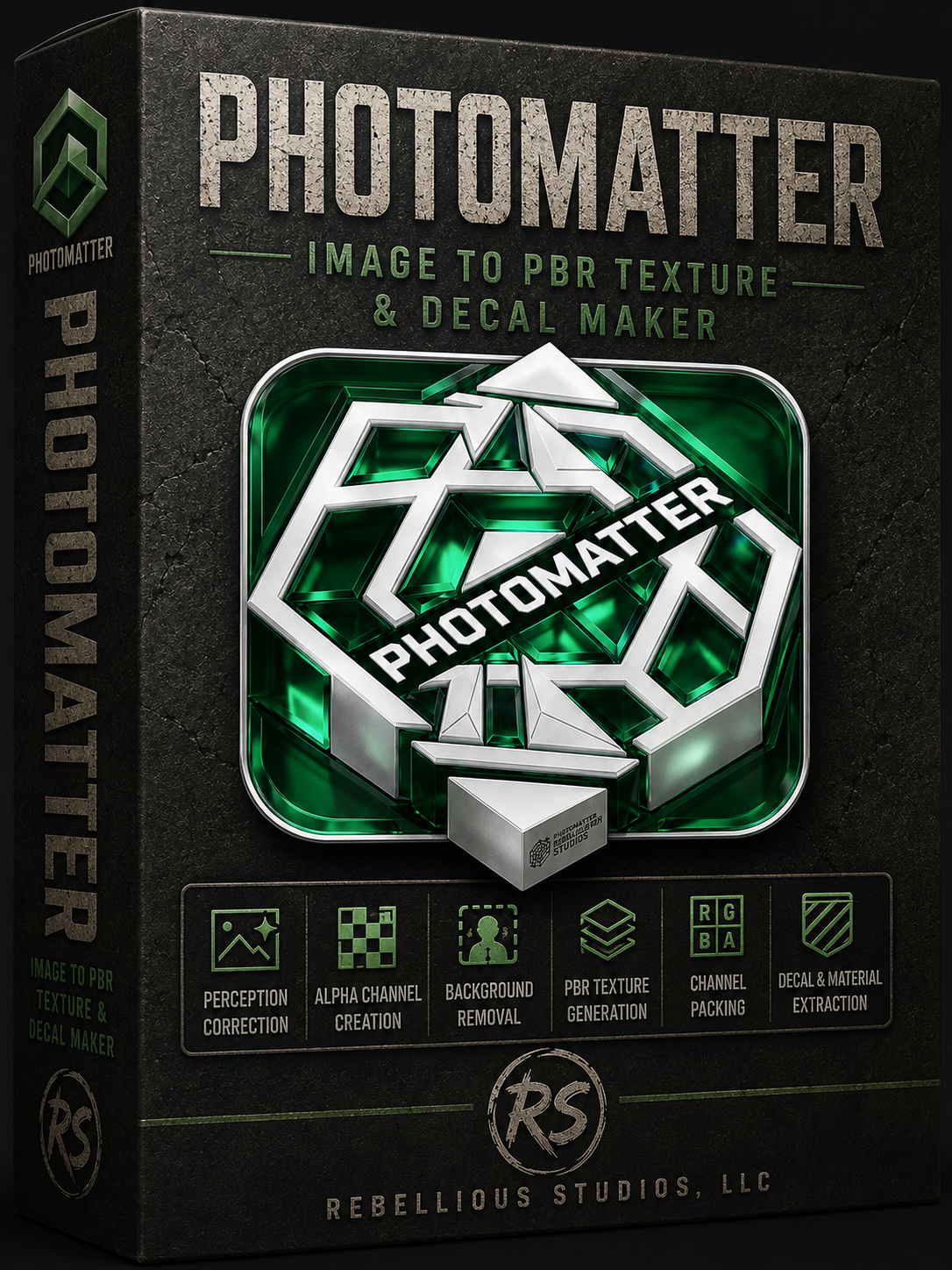
PhotoMatter
Transform images into production-ready PBR textures, decals, alpha masks, material maps, and optimized assets for modern 3D workflows.
# PhotoMatter
Image-to-PBR Texture and Decal Maker
PhotoMatter is a fast, local image-processing tool designed to turn real-world images into production-ready PBR texture maps. Built for artists, indie developers, Blender users, Unreal users, modders, and 3D creators, PhotoMatter helps convert photos, scans, generated images, decals, and surface references into usable material assets without a subscription.
PhotoMatter generates coordinated PBR outputs from a supplied source image, including:
- Basecolor / diffuse
- Height
- Normal
- Ambient occlusion
- Roughness
- Packed ORM
Packed ORM output uses:
- R = Ambient Occlusion
- G = Roughness
- B = Metallic
PhotoMatter also includes tools for perspective correction, crop, alpha/background preparation, real-time 3D preview, export validation, and engine-friendly material output.
## Key Features
- Convert images into PBR material maps
- Create decal-style texture assets
- Generate basecolor, height, normal, AO, roughness, and ORM maps
- OpenGL / Blender and DirectX / Unreal normal format support
- Height algorithm selection
- Normal algorithm selection
- Normal strength control
- Perspective correction with zoom and pan
- Preview on plane, cube, and sphere
- Plane preview can respect source aspect ratio
- Preview tiling scale for checking repeat behavior
- Local desktop workflow
- One-time purchase — no subscription
## Built for Real Creator Workflows
PhotoMatter is designed for fast material creation and decal preparation. It is especially useful when you need to turn an existing image into a usable texture set quickly, prepare surface details for 3D scenes, or generate maps for use in Blender, Unreal Engine, and other PBR-based workflows.
Use PhotoMatter for:
- Concrete cracks
- Asphalt damage
- Wall stains
- Rust marks
- Paint damage
- Surface grime
- Ground decals
- Material references
- Generated texture sources
- Photo-based PBR material starting points
## Engine-Friendly Export
PhotoMatter supports common PBR workflow needs, including packed ORM output and normal format handling for different engines.
For Unreal-style workflows, PhotoMatter can output DirectX-oriented normals and packed ORM maps.
For Blender-style workflows, PhotoMatter supports OpenGL-oriented normal output and standard non-color map usage.
## Ownership-Based Software
PhotoMatter is sold as a one-time purchase. No subscription is required. When you buy PhotoMatter, you receive a permanent license for the version you purchased.
## Important Note
PhotoMatter 1.x focuses on image-to-PBR and decal-generation workflows. It is not a full procedural material editor. Seamless material synthesis and advanced model-assisted texture generation are planned for future major versions.
🖥️ Minimum Specs
OS: Windows 10 or Windows 11 (64‑bit)
CPU: Quad‑core processor (Intel i5 / AMD Ryzen 3 or better)
RAM: 8 GB
GPU: NVIDIA GTX 1060 / AMD RX 580 or equivalent
VRAM: 4 GB
Storage: 500 MB free space
🚀 Recommended Specs
OS: Windows 11 (64‑bit)
CPU: Intel i7 / Ryzen 7 or better
RAM: 16–32 GB
GPU: NVIDIA RTX 3060 / AMD RX 6700 XT or better
VRAM: 8 GB+
Storage: SSD recommended
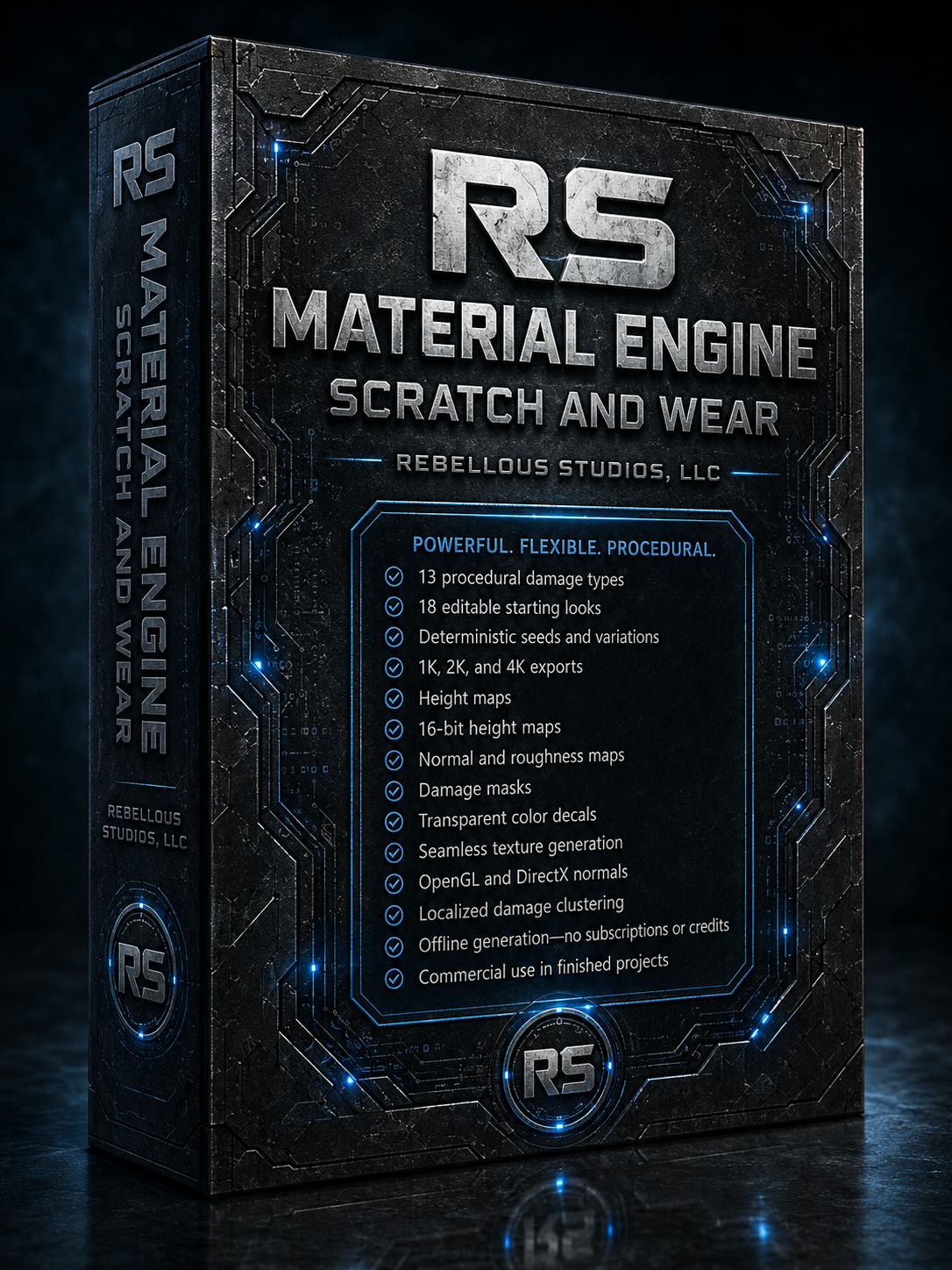
RS Material Engine: Scratch & Wear
Create realistic, production-ready surface damage without image libraries, cloud processing, subscriptions, prompts, or generation credits.
RS Material Engine: Scratch & Wear is a standalone procedural damage generator built for 3D artists, game developers, material creators, and visual-effects professionals. It produces coordinated scratch, wear, impact, transfer, fracture, and corrosion maps that can be used in Blender, Unreal Engine, Unity, and other standard material workflows.
Generate everything from fine handling marks and dense workshop wear to deep gouges, circular abrasion, machining chatter, dropped-tool impacts, paint transfer, rubber smears, clear-coat cracking, chemical etching, and localized corrosion.
Choose from 13 physically distinct damage types and 18 editable starting looks, then customize the result using artist-friendly controls for mark size, thickness, depth, bend, direction, damage clumping, patch size, damaged area, loose marks, damage spots, raised edges, material transfer, and surface roughness.
Every result is deterministic. The same settings and seed will always reproduce the same damage, while a new seed creates a completely new variation without changing your overall design.
Preview the damage directly on a customizable lit material, inspect each generated map individually, or use the built-in 2×2 Tile Check to verify seamless textures before export.
Each production-ready map set can include:
8-bit damage mask
16-bit height map
OpenGL or DirectX normal map
Aligned roughness map
Transparent color decal
Reusable JSON settings file
The height system preserves the original surface at neutral mid-gray, cuts recessed damage into darker values, and generates brighter raised edges around deeper scratches and impacts. All exported maps remain precisely aligned, allowing the damage to affect color, displacement, bump, normals, roughness, and masking consistently across your material.
Export at 1K, 2K, or 4K, create seamless surfaces, and generate batches of 1, 3, 5, or 10 reproducible variations. Saved looks remain fully editable and can be loaded again whenever you need to recreate or modify an earlier result.
Scratch & Wear runs locally on your computer and does not require a continuous internet connection. There are no subscriptions, generation limits, or credit systems. Generated results may be used in finished personal and commercial projects, including games, films, models, scenes, client work, and physical products.
Build convincing surface history—not just random lines.
🖥️ Minimum Specs
OS: Windows 10 or Windows 11 (64‑bit)
CPU: Quad‑core processor (Intel i5 / AMD Ryzen 3 or better)
RAM: 8 GB
GPU: NVIDIA GTX 1060 / AMD RX 580 or equivalent
VRAM: 4 GB
Storage: 500 MB free space
🚀 Recommended Specs
OS: Windows 11 (64‑bit)
CPU: Intel i7 / Ryzen 7 or better
RAM: 16–32 GB
GPU: NVIDIA RTX 3060 / AMD RX 6700 XT or better
VRAM: 8 GB+
Storage: SSD recommended
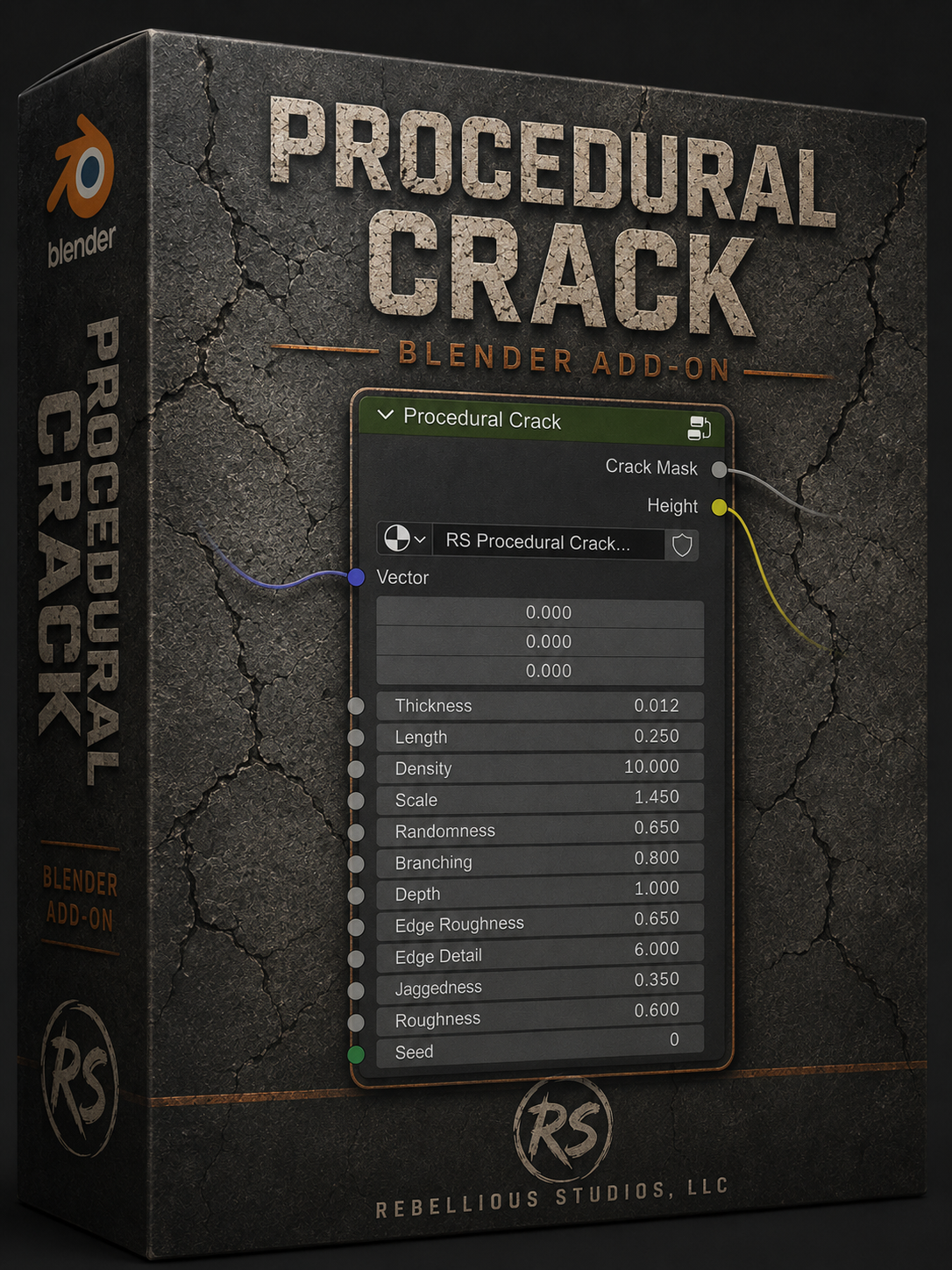
Create cracks that belong to the material instead of looking pasted on top of it.

Procedural Crack generates detailed crack morphology entirely from native Blender shader nodes. Its two purpose-built generators cover both major families of surface failure: localized cracks that spread outward from an impact or stress point, and connected cellular networks formed by drying, shrinking, and widespread material breakup.

Every result remains adjustable. Control the overall scale and thickness, change the reach and density of impact networks, vary branching and direction, sharpen or erode the edges, introduce fine jagged detail, and reproduce a chosen result with a deterministic Seed. The supplied Crack Mask integrates with custom color, roughness, weathering, and material-layer workflows, while the separate Height output provides a stable source for recessed bump detail in Eevee and Cycles.

The generators were developed through direct visual comparison with real cracked mud, asphalt, concrete, masonry, and impact-fracture references. They are designed to produce convincing close-up detail while remaining flexible enough for walls, ground surfaces, architectural materials, environment art, and decal-authoring workflows.## Two Crack Generators

### Impact Network

Build localized, branching cracks that radiate from shared stress origins.

- Generate one or more complete crack events rather than unrelated line fragments.
- Control crack reach with Length and encourage natural intersections at larger values.
- Progressively introduce additional isolated crack events with Density.
- Adjust Branching from restrained main fissures to more developed fracture networks.
- Break up straight procedural paths with independently jagged centerlines and varied branch directions.
- Shape bold concrete fractures, wall damage, asphalt cracks, impact marks, and stress failures.

### Cellular Breakup

Create connected plate-like crack networks inspired by dried mud and fractured surface layers.

- Generate closed, irregular cells instead of a uniform grid of straight polygons.
- Combine large primary plates with smaller clustered micro-fractures.
- Add fine angular tributaries and sharp secondary cracks between larger divisions.
- Control edge breakup, jaggedness, surface roughness, and recessed depth.
- Produce dried-earth patterns, aged concrete, cracked paint foundations, asphalt breakup, and broad weathered surfaces.

## Feature Highlights

- Two specialized procedural generators: Impact Network and Cellular Breakup
- Fully procedural crack generation with no image textures required
- Deterministic Seed control for repeatable results
- Adjustable thickness, scale, depth, edge roughness, edge detail, and jaggedness
- Art-directable impact length, density, randomness, and branching
- Multiple complete impact events with natural overlap and intersection
- Irregular cellular plates with clustered secondary micro-cracking
- Clean Crack Mask output for color, roughness, layering, and decal workflows
- Dedicated Height output for recessed surface detail through an external Bump node
- Native Blender shader nodes with no OSL, Geometry Nodes, or runtime Python pixel evaluation
- Resolution-independent procedural output
- Compatible with Eevee and Cycles
- Designed for Blender 4.5 LTS and verified in newer supported Blender releases

## Typical Uses

- Concrete and masonry fractures
- Cracked brick walls and plaster
- Asphalt and damaged road surfaces
- Dried mud and parched earth
- Impact and stress cracks
- Weathered architectural surfaces
- Material masks and procedural decals
- Height, roughness, dirt, and exposed-layer masking
- Synthetic material and decal dataset generation

## Outputs and Material Workflow

### Crack Mask

Use the Crack Mask as a factor for color changes, exposed substrate, roughness variation, dirt accumulation, edge damage, or any other material layer. The generator supplies the crack structure; the surrounding material remains completely under your control.

### Height

Connect Height to the `Height` input of an external Blender Bump node. Use the Bump node's Strength and Distance controls to choose anything from restrained surface recesses to deliberately exaggerated damage.

Keep Bump Filter Width near its default and increase it gradually. Extremely high Filter Width values can consume substantial memory in Blender's rendered viewport and are not required for the intended result.

## Technical Details

| Item | Details |
| --- | --- |
| Product type | Blender extension / managed shader-node generators |
| Minimum Blender version | Blender 4.5 LTS |
| Render engines | Eevee and Cycles |
| Generation method | Native Blender shader nodes |
| Image textures required | No, not for crack generation |
| Primary outputs | Crack Mask and Height |
| Placement | Shader Editor > Add > Texture |
| Standard retail price | USD $25 |
| License | GPL-3.0-or-later with commercial distribution notice |

## Important Notes

- Procedural Crack is a 2D coordinate-driven shader effect. UVs or another suitable mapped vector source are required, and UV seams can separate a pattern across islands.
- The Height output changes shading when connected through Bump; it does not create physical mesh fractures by itself.
- The add-on appears through its dedicated entries in the Shader Editor's Add menu. Blender does not currently expose operator-generated node groups in drag-from-socket search.
- Crack generation itself does not require image textures. You can freely combine its outputs with photographed or procedural base materials.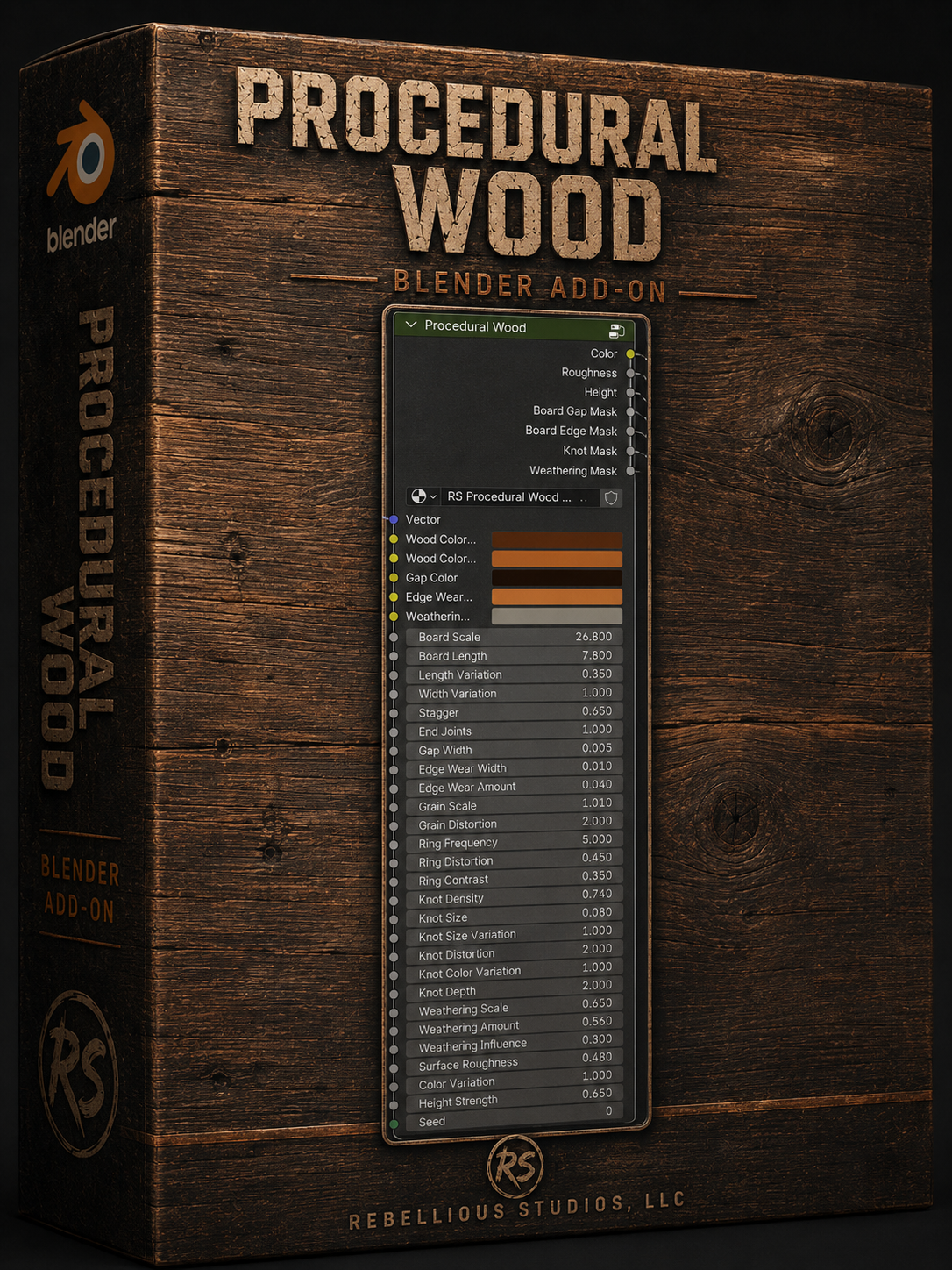
# Procedural Wood - Product Description

Create convincing wood floors, planks, and straight-board siding directly inside Blender with a fully procedural, art-directable material node.

Procedural Wood combines deterministic board layout, directional grain, growth-ring character, varied knots, recessed gaps, worn edges, and localized weathering in one managed native-node system. Adjust board proportions, stagger, end joints, grain flow, ring distortion, knot population, edge wear, color, roughness, and relief without leaving the Shader Editor or relying on a fixed image texture.

The node exposes reusable masks for board gaps, board edges, knots, and weathering, making it easy to build custom materials or combine Wood with other Rebellious Studios tools. Its generic Weathering Influence input accepts any scalar mask, while Color, Roughness, and Height outputs remain available for direct material construction.

Procedural Wood is designed for Blender 4.5 LTS and verified in Blender 5.1. It supports Eevee and Cycles, preserves user-modified and older generated groups, and provides explicit selected-instance migration instead of silently rebuilding saved materials.

## Ideal For

- Hardwood and worn interior floors
- Rustic, aged, or reclaimed planks
- Straight-board exterior and interior siding
- Stylized or realistic environment materials
- Modular materials requiring reusable damage and weathering masks
- Procedural suite workflows with Scratch and Crack layers

## Important Workflow Note

Blender 4.5 Cycles has a fixed per-shader complexity limit. Deep materials containing several complete procedural generators may require one finalized Mask and Height layer to be baked before additional live layers are added. This preserves the chosen appearance while keeping the remaining material procedural.